
Upgrading a VDB entails modifying the installation path linked to the corresponding data platform. It's important to note that this feature doesn't upgrade the VDB itself; instead, it ensures that Delphix Engine correctly associates the VDB with the correct database version to ensure proper functionality.
By performing the upgrade, you have the capability to update the database version used for running the VDB.
To upgrade a VDB in DCT, follow these steps:
-
Login to the DCT instance.
-
Navigate to Data > VDBs, click View on a VDB and click Actions > Upgrade option.
-
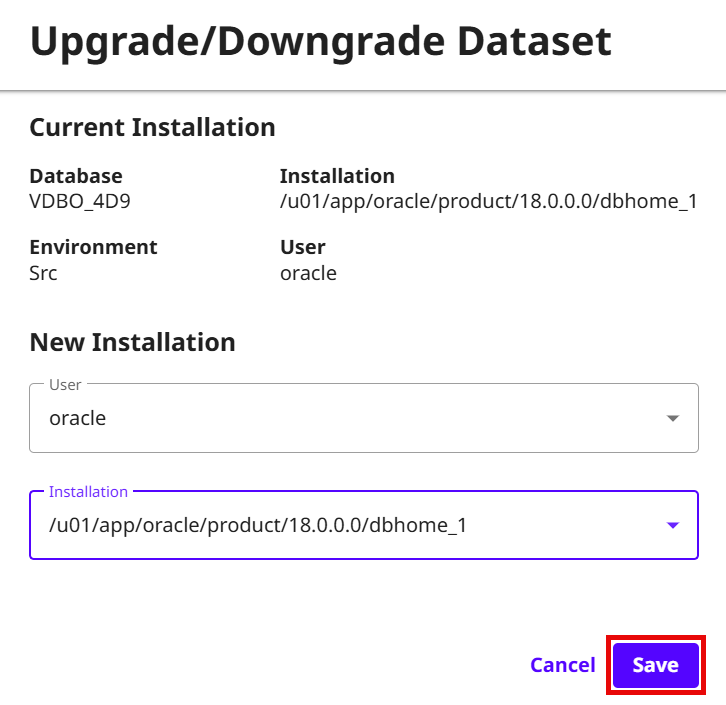
Choose the new User and Installation Path to upgrade.
-
Click Save.
Last updated
Oct 9, 2026