
Linking a dSource ingests data from the source‑based dSource object on the Delphix Continuous Data Engine.
To link an Oracle dSource in the DCT instance, follow these steps:
-
Log in to the DCT instance.
-
Navigate to Data > dSources and click +dSource.
-
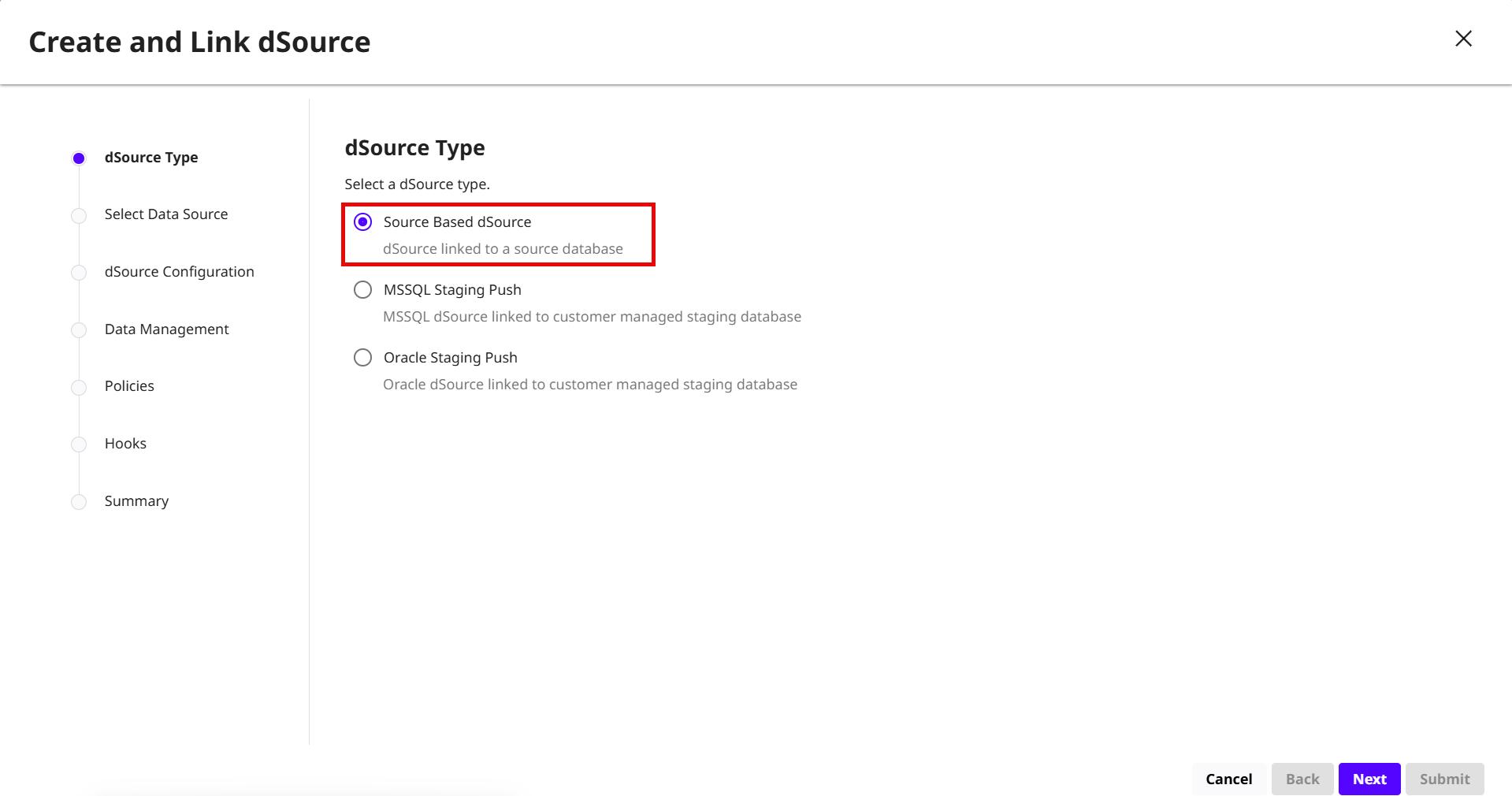
On the dSource Type page, select the Source‑Based dSource option and click Next.
-
On the Select Data Source page, select the required Oracle database and click Next.
-
On the dSource Configuration page, enter the following details:
-
dSource Name: Enter a name for the dSource.
-
Target Group: Select the target group from the drop-down menu.
-
Notes and Tags: Add any relevant notes or tags.
-
Click Next.
-
-
On the Data Management page, select the following options:
-
Load Immediately:The initial load takes place upon completion of the dSource creating wizard. This is the default setting.
-
Load on SnapSync schedule:The initial load takes place according to a SnapSync policy. This might be desirable if you want the initial load to take place when the source database is under a lower load.
-
(Applied to Oracle non-MT dSources only) Select a LogSync option.
-
Click Show Advanced to set advanced settings. For more information, refer to the Data management settings for Oracle data sources page.
-
Click Next.
-
-
On the Policies page accept the DCT Default Retention or DCT Default SnapSync policies and click Next.
-
On the Hooks page, select the any of the following option and click + Hook to configure Bash hook operation:
-
Pre Sync: Executes before the SnapSync operation of a dSource.
-
Pre LogSync: Executes before the LogSync operation of a dSource.
-
Post Sync: Executes after the SnapSync operation of a dSource.
For more information, read the Hook operations list and Oracle Hook operations page.
-
-
Click Next.
-
Review the dSource details and click Submit to link the dSource.
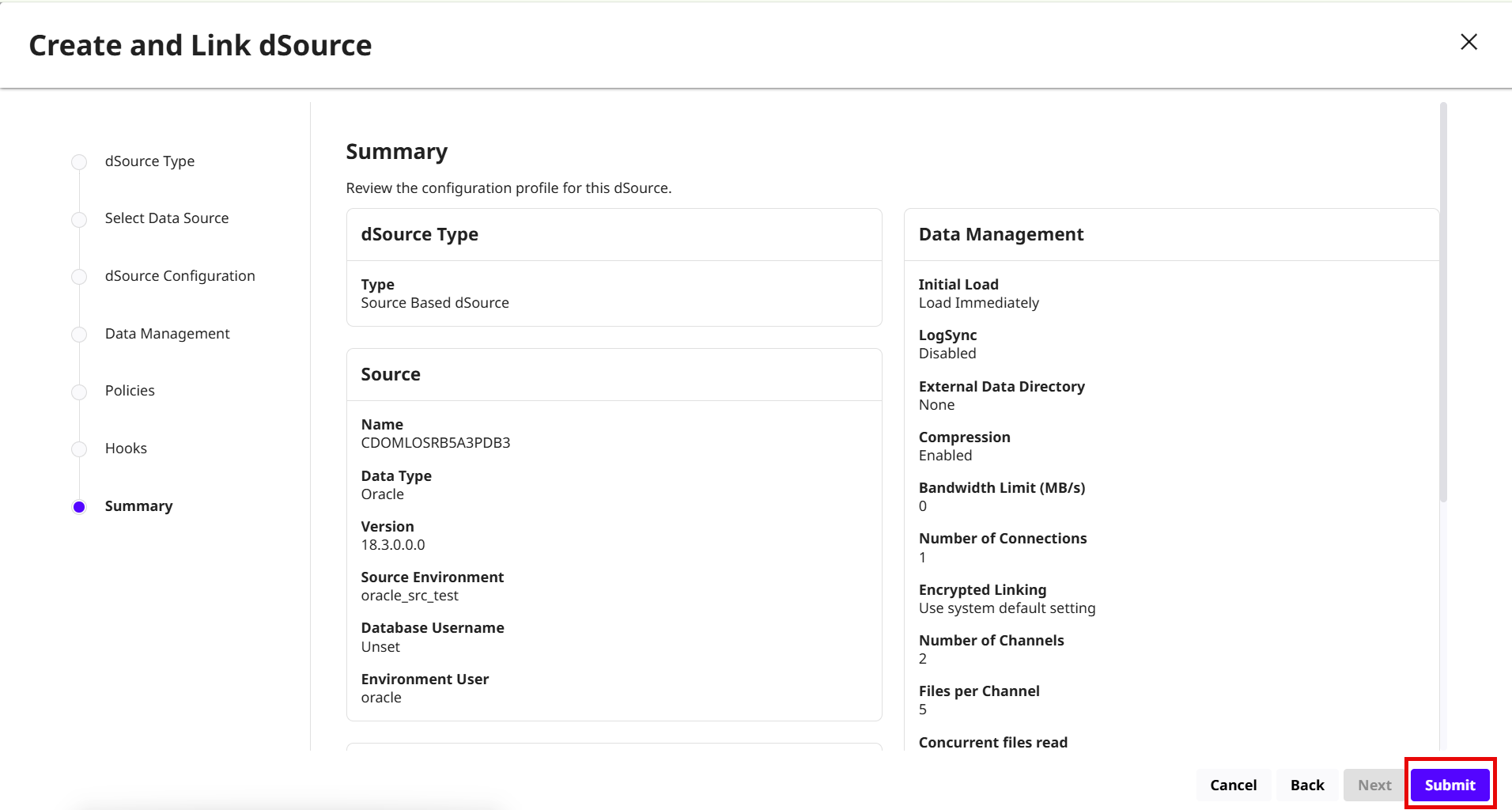
Result: An Oracle dSource is linked to the source-based environment with snapshot history and configuration options.