
Delphix plugin for Oracle Backup Ingestion (OBI) can be installed via GUI or using command prompt (developer environment).
Prerequisites
Install Delphix engine compatible with the OBI plugin version as per support matrix.
Install OBI Plugin
Following methods can be used for upload obi plugin to Delphix appliance:
Using GUI
-
Click Manage and then Plugins.
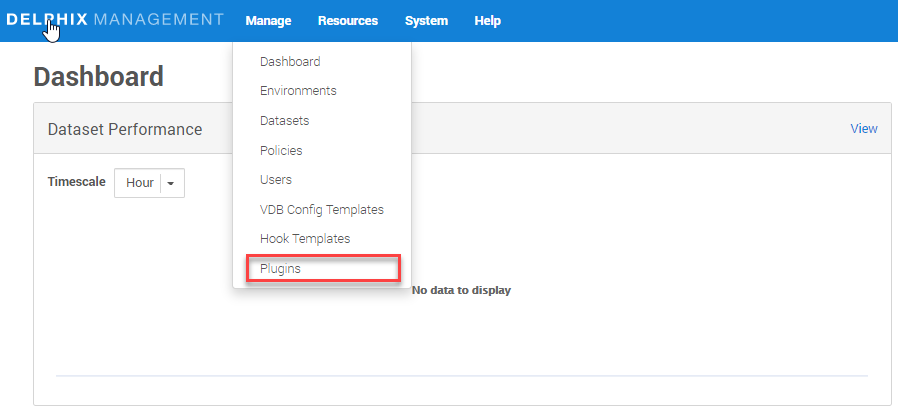
-
Click the Plus (+) icon.
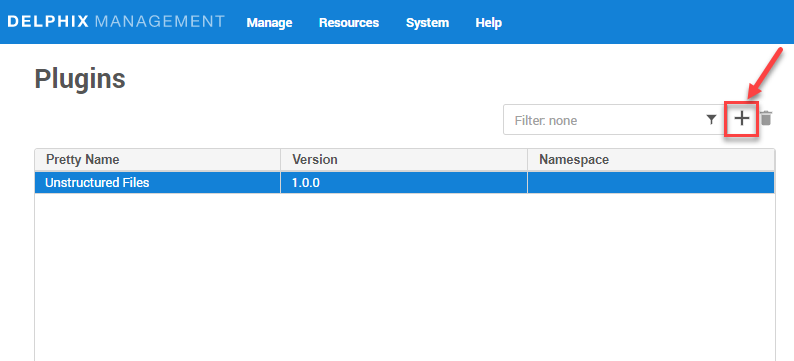
-
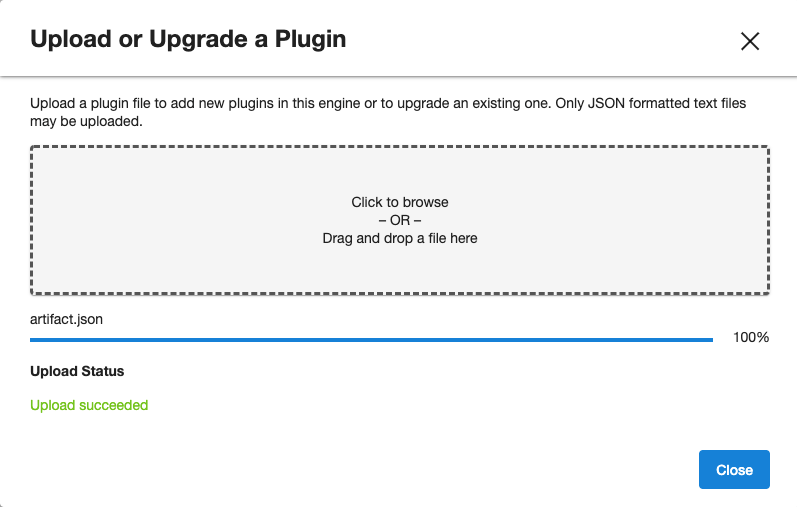
Click on Upload or Upgrade a plugin.
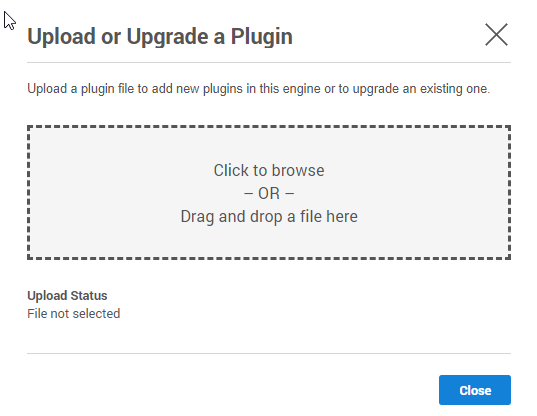
-
Select the
build(artifacts.json).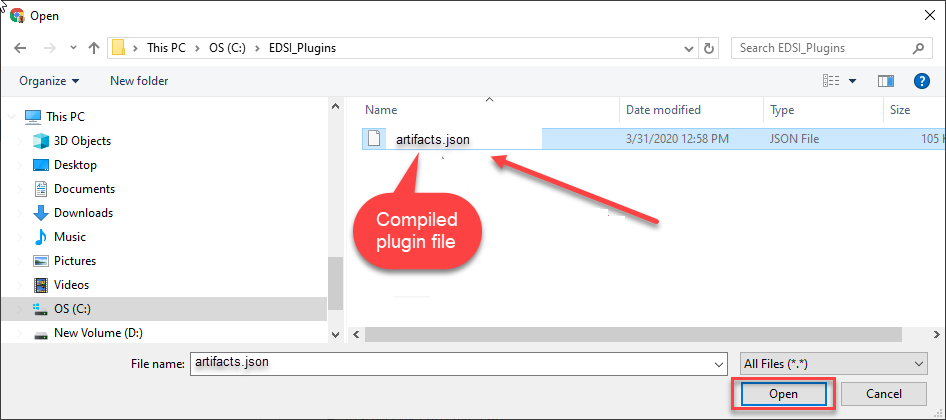
-
Click close.
-
See the plugin version in Plugins section.
Using dvp (on command prompt)
dvp upload -a <Plugin-artifact.json> -e <Delphix_Engine_Name> -u <username> --password <password>Delphix Engine’s documentation on installing plugins: Delphix Plugin Management.
Last updated
Oct 9, 2026