
To link a SQL Server staging push dSource in the DCT instance, complete the following steps:
-
Log in to the DCT instance.
-
Navigate to Data > dSources and click + dSource.
-
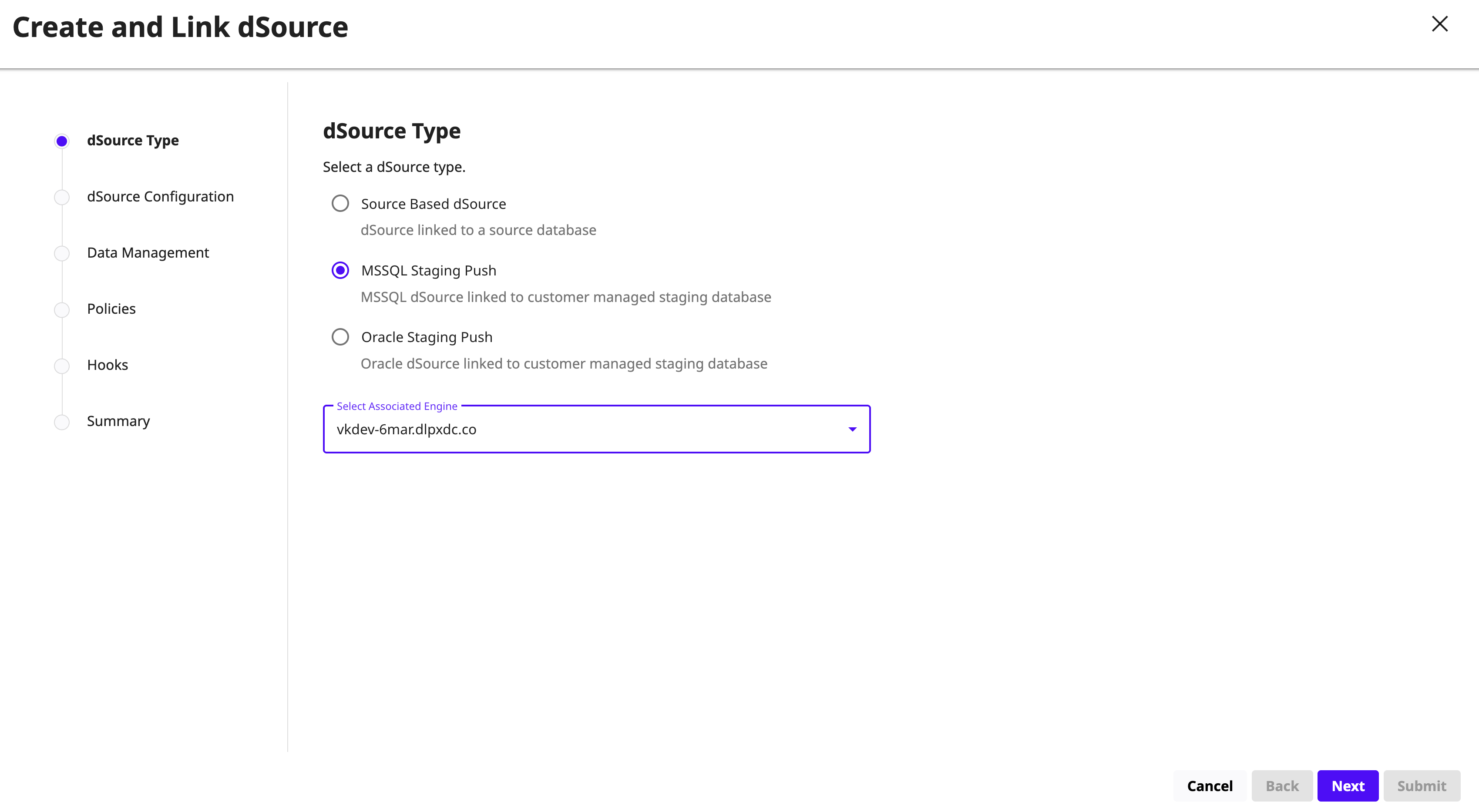
On the dSource Type page, select MSSQL Staging Push. From the Select Associated Engine drop‑down list, select the Continuous Data Engine to link, and then click Next.
-
On the dSource Configuration page, enter the following information and click Next:
-
dSource Name: Enter a name for the dSource.
-
Database Name: Enter the name of the staging database created on the staging host after linking. It is recommended to include the word staging to distinguish it from end‑user databases.
-
Target Group: Select the target group from the drop‑down list.
-
Database State: Select one of the following options:
-
Restoring: Select when the staging database does not need to be readable or writable. Updates occur by restoring backups to the staging database.
-
Online: Select when the staging database must remain online for use. This mode is commonly required for Azure Managed PaaS databases such as Azure SQL Database.
-
-
Notes and Tags: Add any relevant notes or tags.
-
-
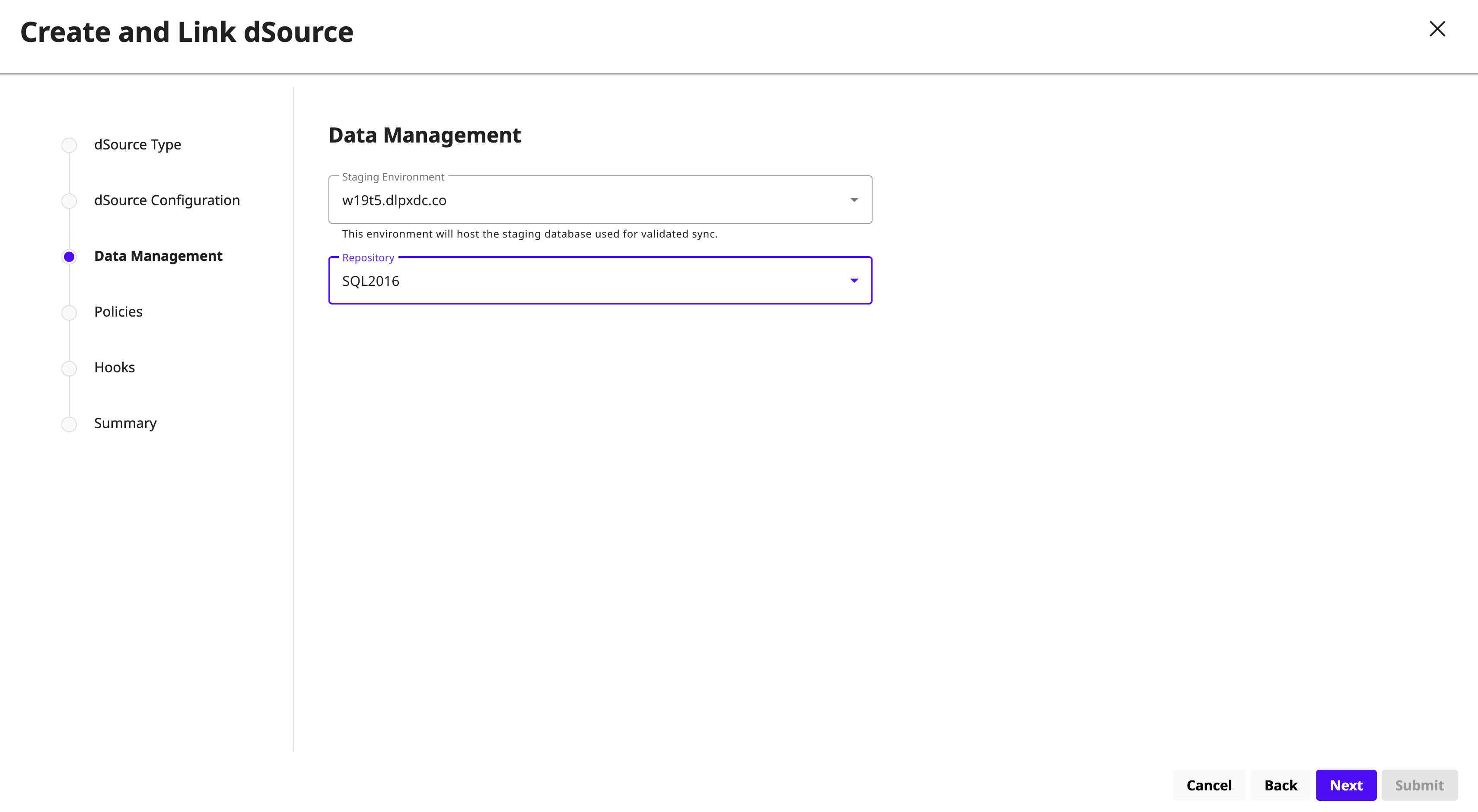
On the Data Management page, select the staging environment and repository. The staging environment hosts the staging database, and the repository is the container for SourceConfig objects. Each environment can contain multiple SQL Server instances, and each instance can contain multiple databases. Click Next.
-
Select the policies for the new dSource as needed.
-
On the Hooks page, select one of the following options and click + Hook to configure a Bash hook operation:
-
Pre Sync: Executes before the SnapSync operation.
-
Post Sync: Executes after the SnapSync operation.
For more information, see the Hook Operations List and SQL Server Hook Operation Notes.
Note: For staging push dSources, you can add a restore‑backup script as part of the hook to automate backup restoration.
-
-
Click Next.
-
Review the dSource details and click Submit to link the dSource. The SQL Server staging push dSource is linked with the selected database state and configuration settings.