
Delphix supports provisioning a VDB from a VDB snapshot in DCT.
To provision VDB from a VDB snapshot into a linked CDB in DCT, follow these steps:
-
Log in to the DCT instance.
-
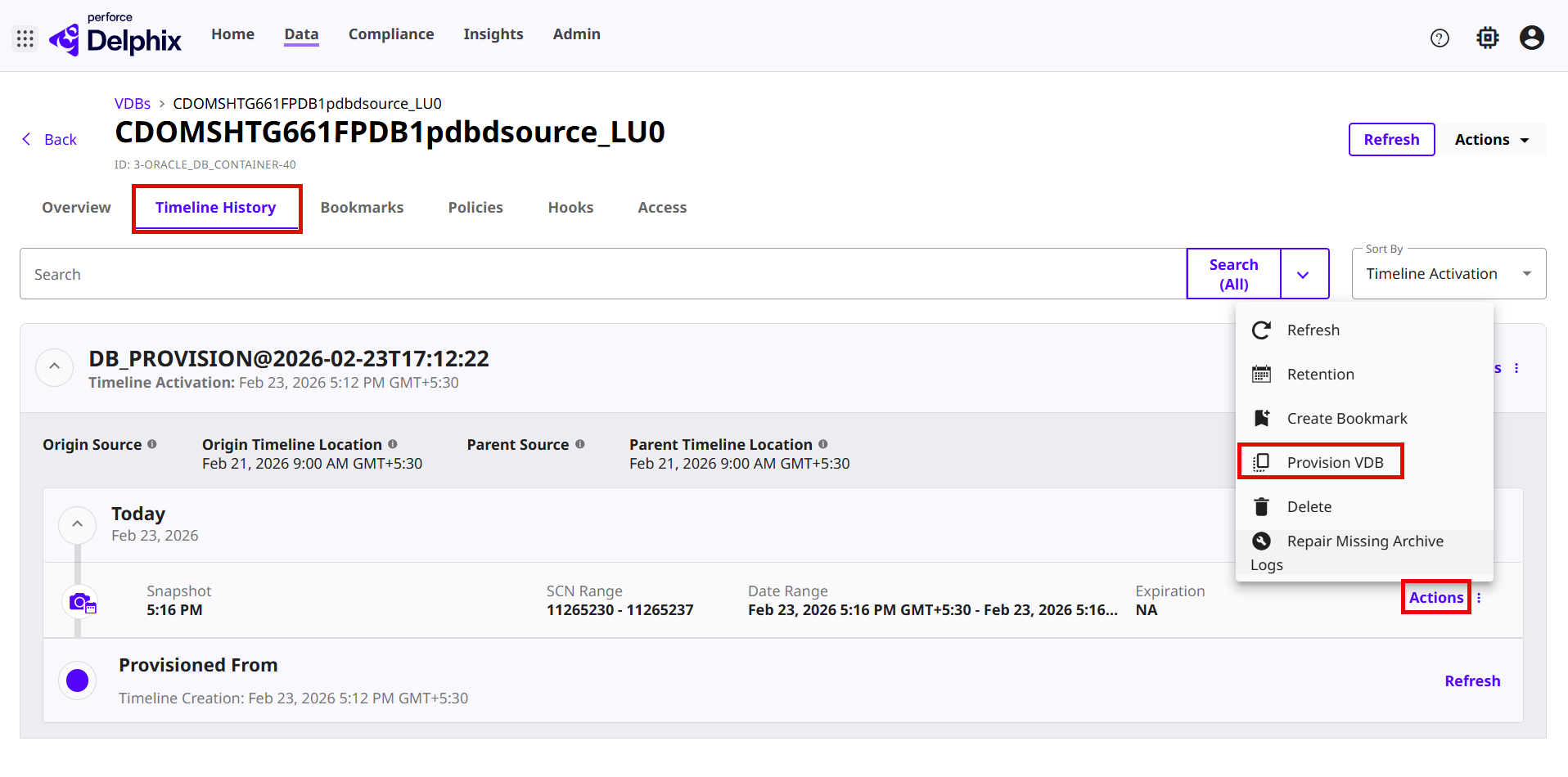
Navigate to Data > VDBs, and click a VDB dSource and select the Timeline tab.
-
Choose a snapshot and click Actions > Provision VDB. For more information, read the Provisioning a VDB page.
-
On the Provision VDB page, select the target environment and click Next.
-
Enter the Target Configuration details and click Next.
-
Accept the default Policies options and click Next.
-
Accept the default Masking options and click Next.
-
Accept the default Hook operations and click Next.
-
Review the summary and click Submit.
Last updated
Oct 9, 2026