The act of disabling a VDB serves as a necessary prerequisite for procedures like VDB migration or upgrade. When a VDB is disabled, it consists of the complete removal of all its traces, including configuration files from the target environment in which it was originally provisioned.
Subsequently, when you decide to re-enable the VDB, these previously removed configuration files are reinstated within the target environment, facilitating the VDB's return to operational status with its settings and parameters restored.
Disable a VDB
To disable a VDB in DCT, follow these steps:
-
Login to the DCT instance.
-
Navigate to Data > VDBs, click View on a VDB and click Actions > Disable option.
-
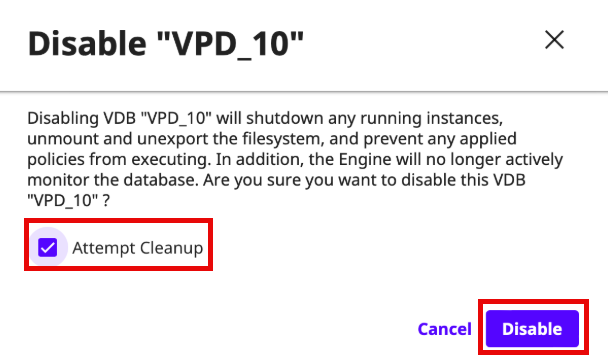
(Optional) On the Disable screen, select the Attempt Cleanup check box to specify whether the system should attempt to disable the database and clean up its related resources in the environment before removing the mount point.
-
Click Disable.
Enable a VDB
To disable a VDB in DCT, follow these steps:
-
Login to the DCT instance.
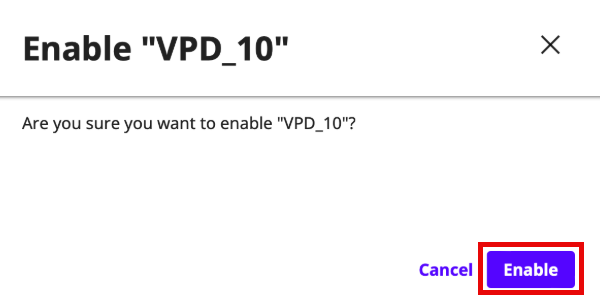
- Navigate to Data > VDBs, click View on a VDB and click Actions > Enable option.