
Delete Oracle home installation with its repository.
To delete Oracle home installation path in DCT, follow these steps:
-
Log in to the DCT instance.
-
On the Infrastructure Connections page, select on an instance and click View for Delphix Engine hosting the Installation.
-
Select the Data tab.
-
Under the Add Installation section, click Delete to delete an Oracle home installation path with its repositories.
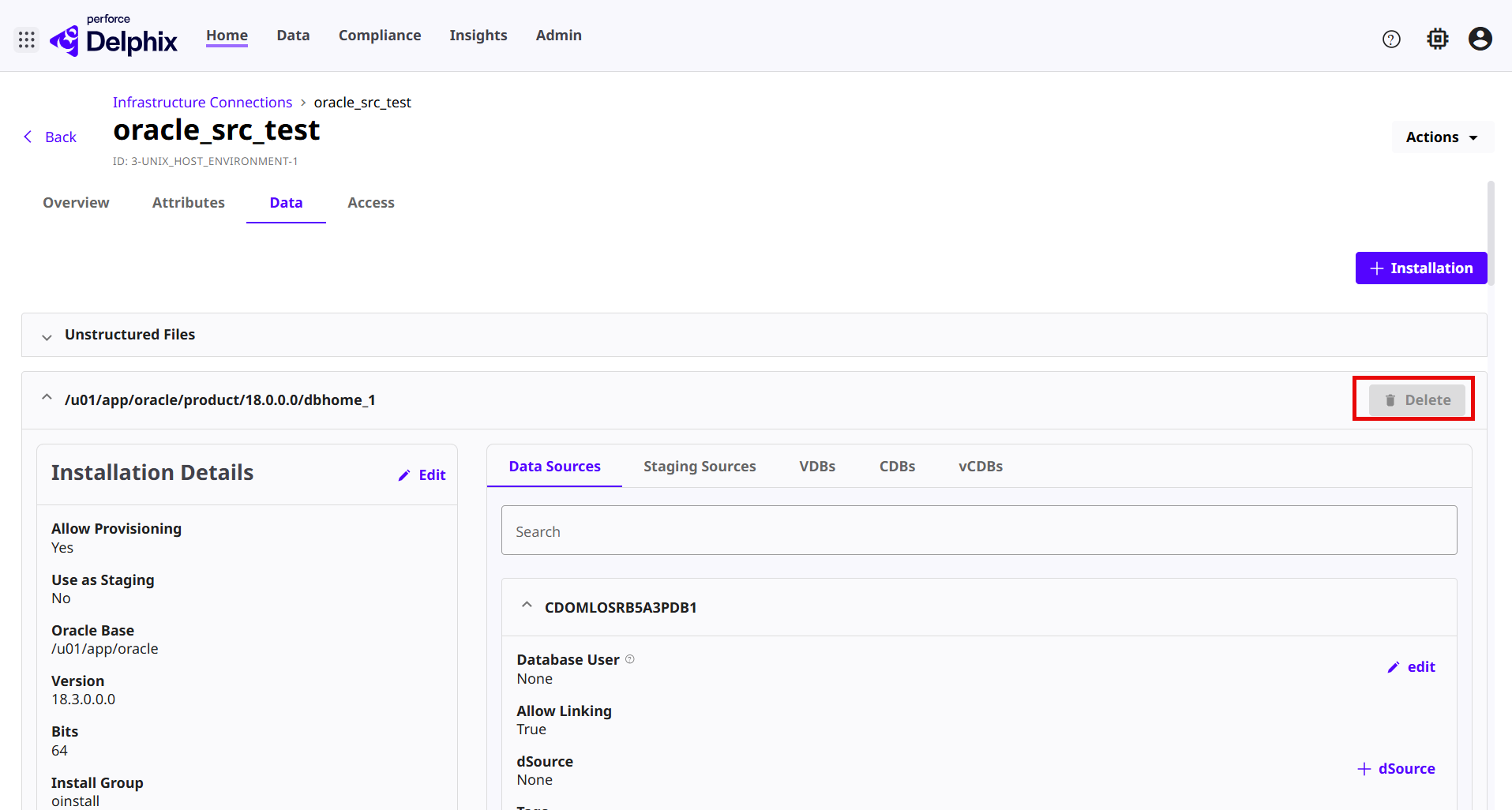 The Delete button will not show up if the installation home is discovered by Delphix Engine.
Last updated
Oct 9, 2026