This topic describes how to manage Windows‑specific environment attributes such as Environment Users, Host Address, JDK Path, Delphix Connector Port, and other configuration details.
To manage Windows‑specific attributes:
-
Log in to the DCT instance.
-
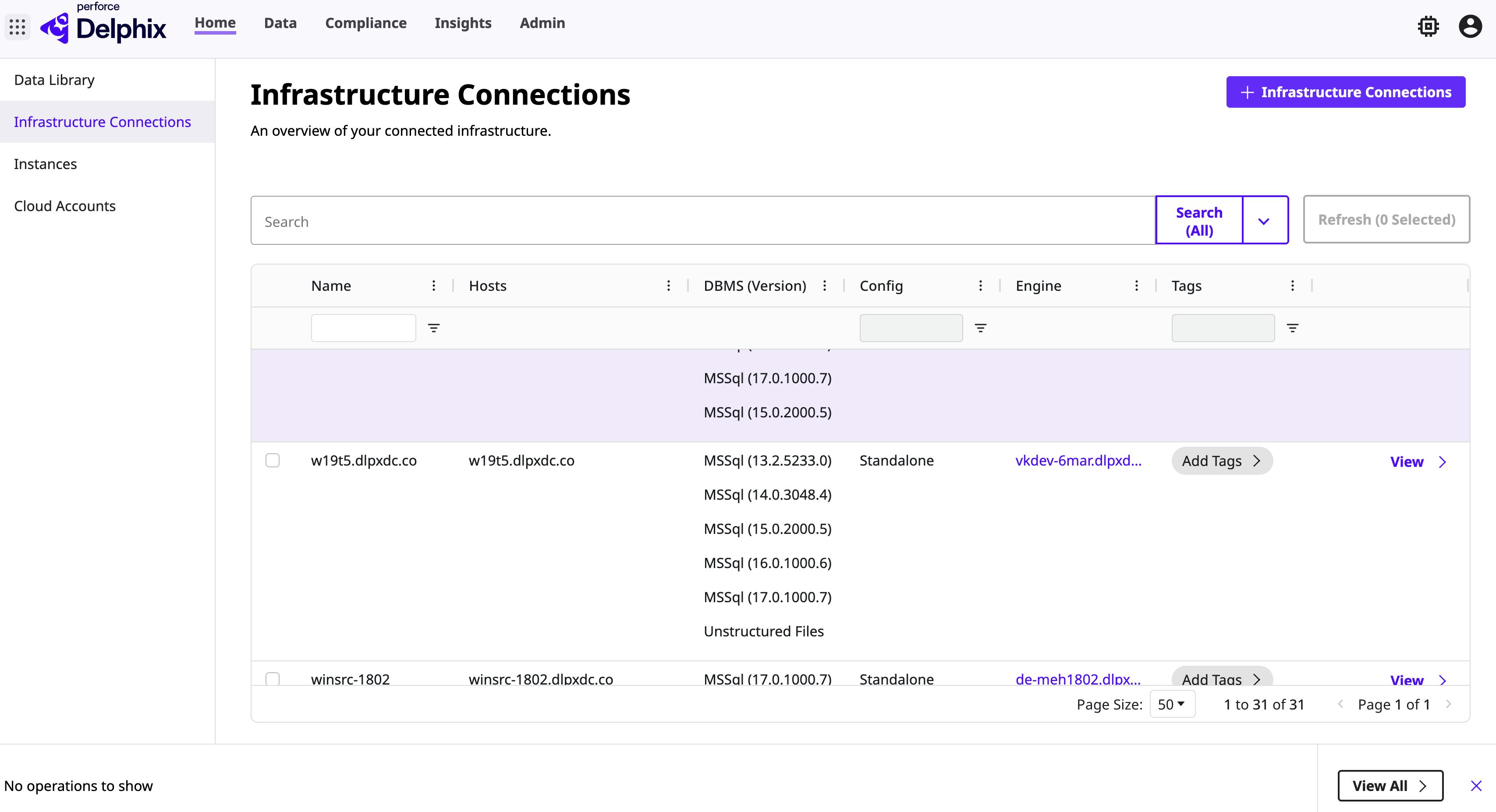
On the Home page, locate the environment and click View to display its attributes.
-
On the Environment page, select the Overview tab to add or modify the following details:
-
Encryption: Enable or disable NFS encryption for Unix and iSCSI encryption for Windows.
-
Environment Users: Add a new environment user.
-
Notes: Add or edit notes for the environment.
-
Tags: Add or edit tags for the environment.
-
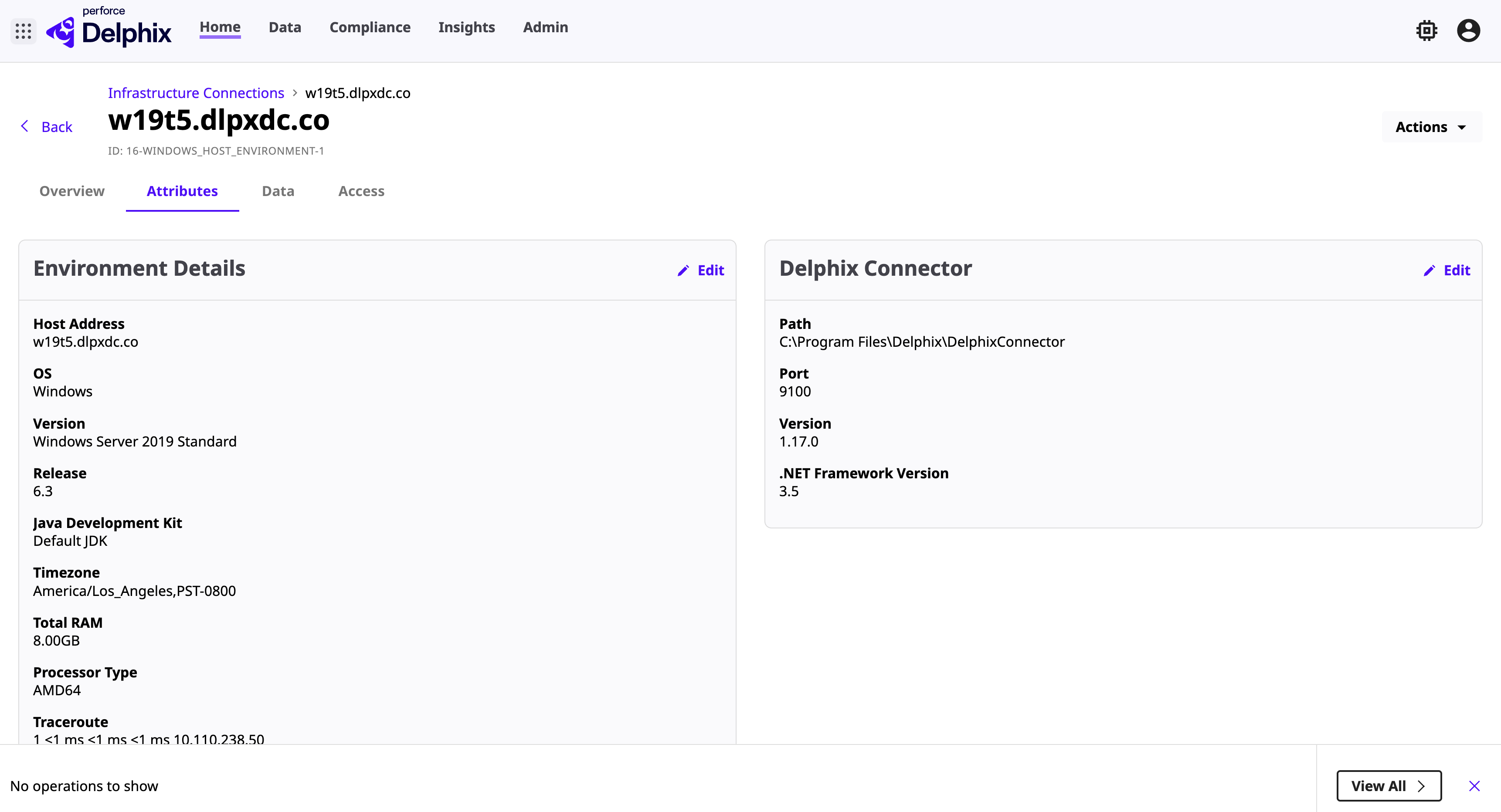
Select the Attributes tab to add or modify the following details:
-
Environment Details
-
Host Address: The host or IP address of the environment.
-
JDK Path: The custom JDK path used for this environment.
-
DSP Options: DSP KeyStore and TrustStore configuration properties.
-
-
Delphix Connector
-
Port: The port on which the Delphix Connector runs on the Windows environment.
-
-
For cluster environments:
-
Cluster Nodes: View details for each node, including Environment and Delphix Connector information.
-
-
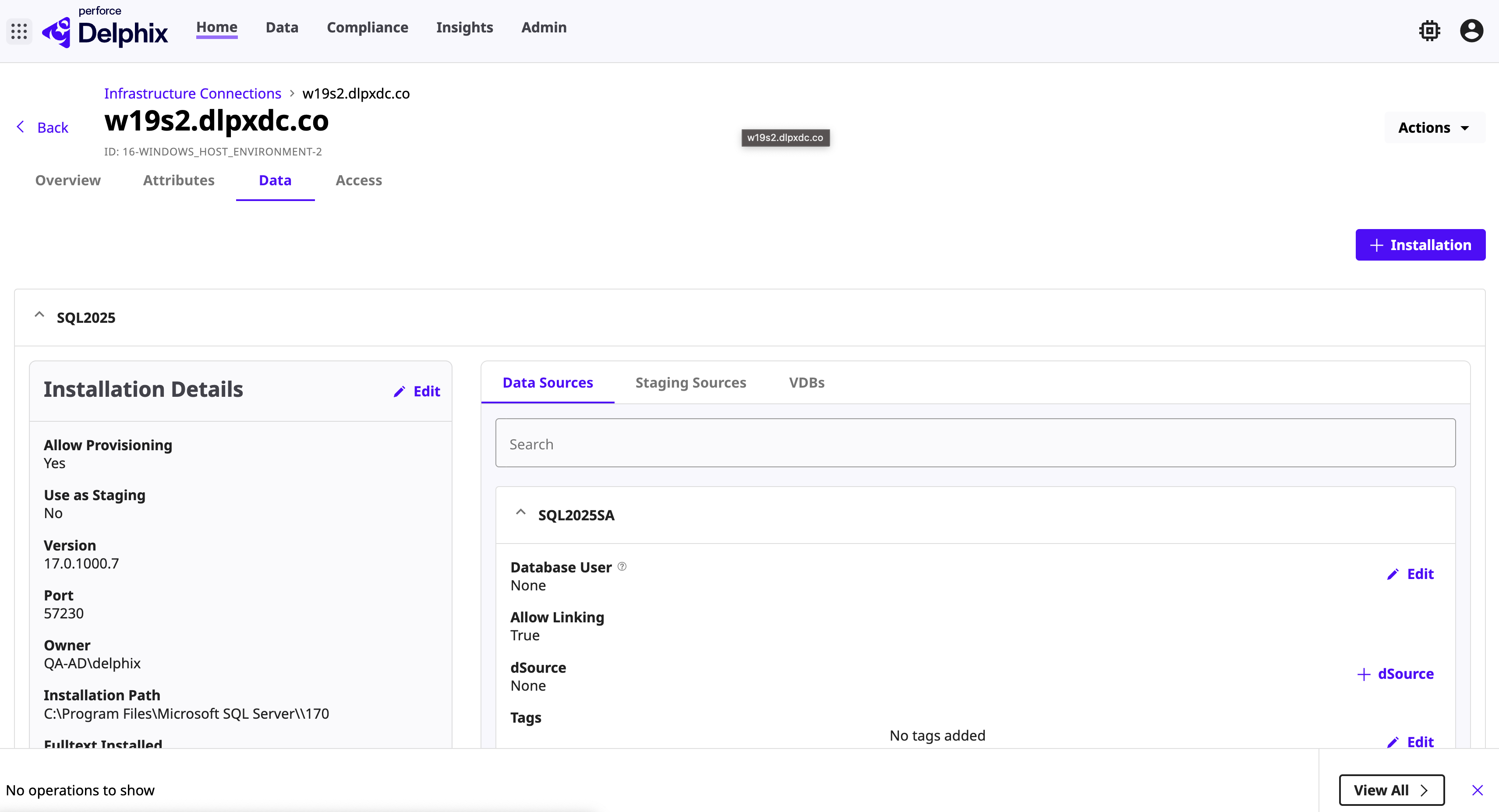
Select the Data tab to add or modify the following details:
-
Installation Details: Click Edit to modify installation details or click + Installation to add a new installation path.
-
Data Sources: Select the Data Sources tab to modify the following details:
-
Database User: Edit the database username and password, and enable or disable linking.
-
dSource: Click + dSource to add a new dSource. For more information, see Link an MSSQL Source‑Based dSource in DCT.
-
Tags: Add or edit tags for a data source.
-
-
Staging Sources: View the staging sources associated with this environment.
-
VDBs: View the VDBs associated with this environment.
-
Select the Access tab to view user access, access groups, and permission details.
-
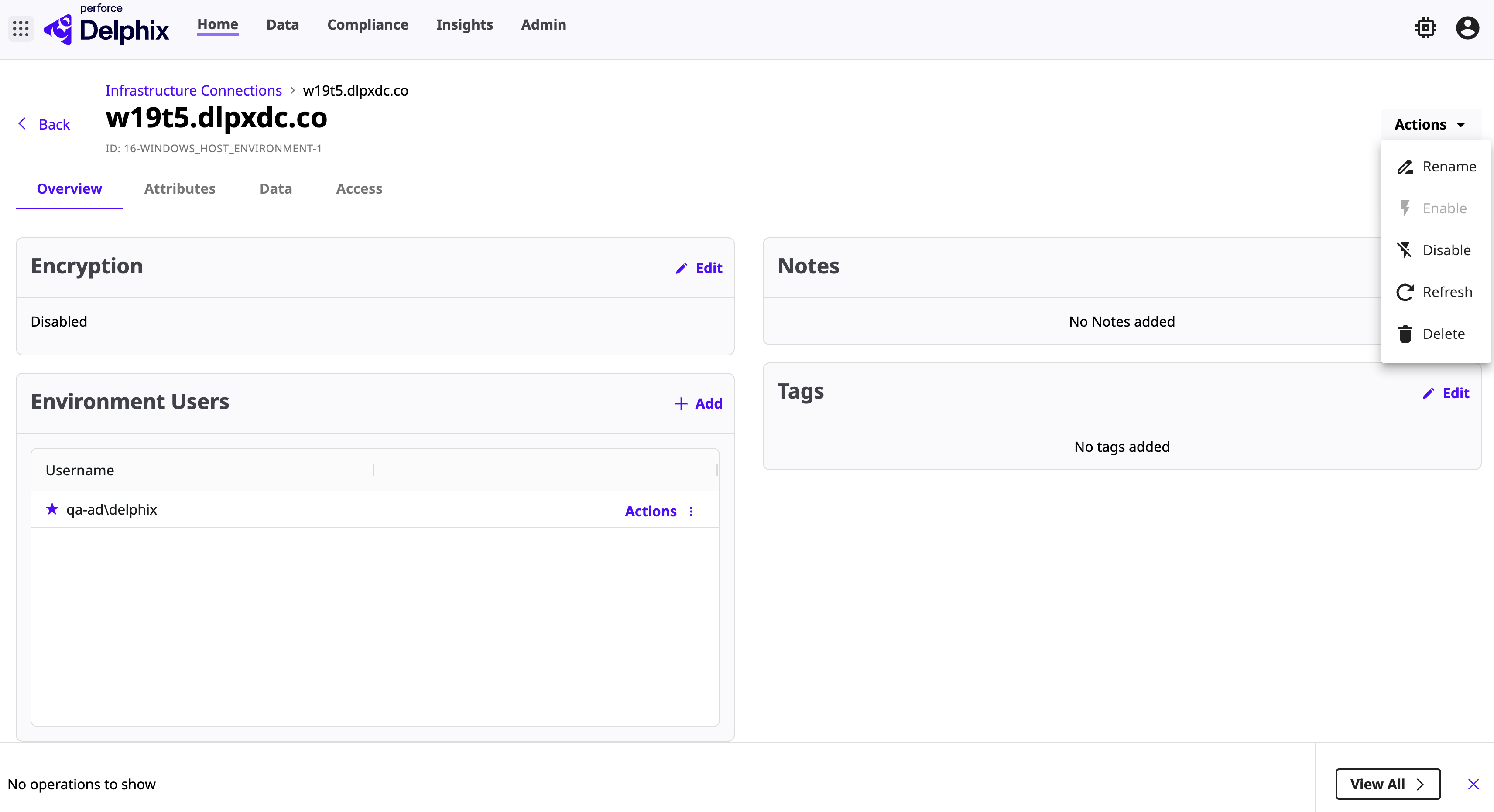
Click the Actions drop‑down to perform the following operations:
-
Disable: Disable the environment.
-
Refresh: Refresh the environment.
-
Delete: Delete the environment.
-
Rename: Rename the environment.