
Prerequisites
-
Add all nodes of the Windows target cluster as standalone target environments first. For more information, see Add a Windows Target Standalone Environment in DCT.
-
For additional prerequisites and restrictions, see Adding a SQL Server Cluster Target Environment.
Steps
-
Log in to the DCT instance.
-
On the Home page, click + Infrastructure Connections.
-
On the Create Infrastructure Connection page, select the previously added Continuous Data Engine.
-
Enter a name for the Windows target cluster connection.
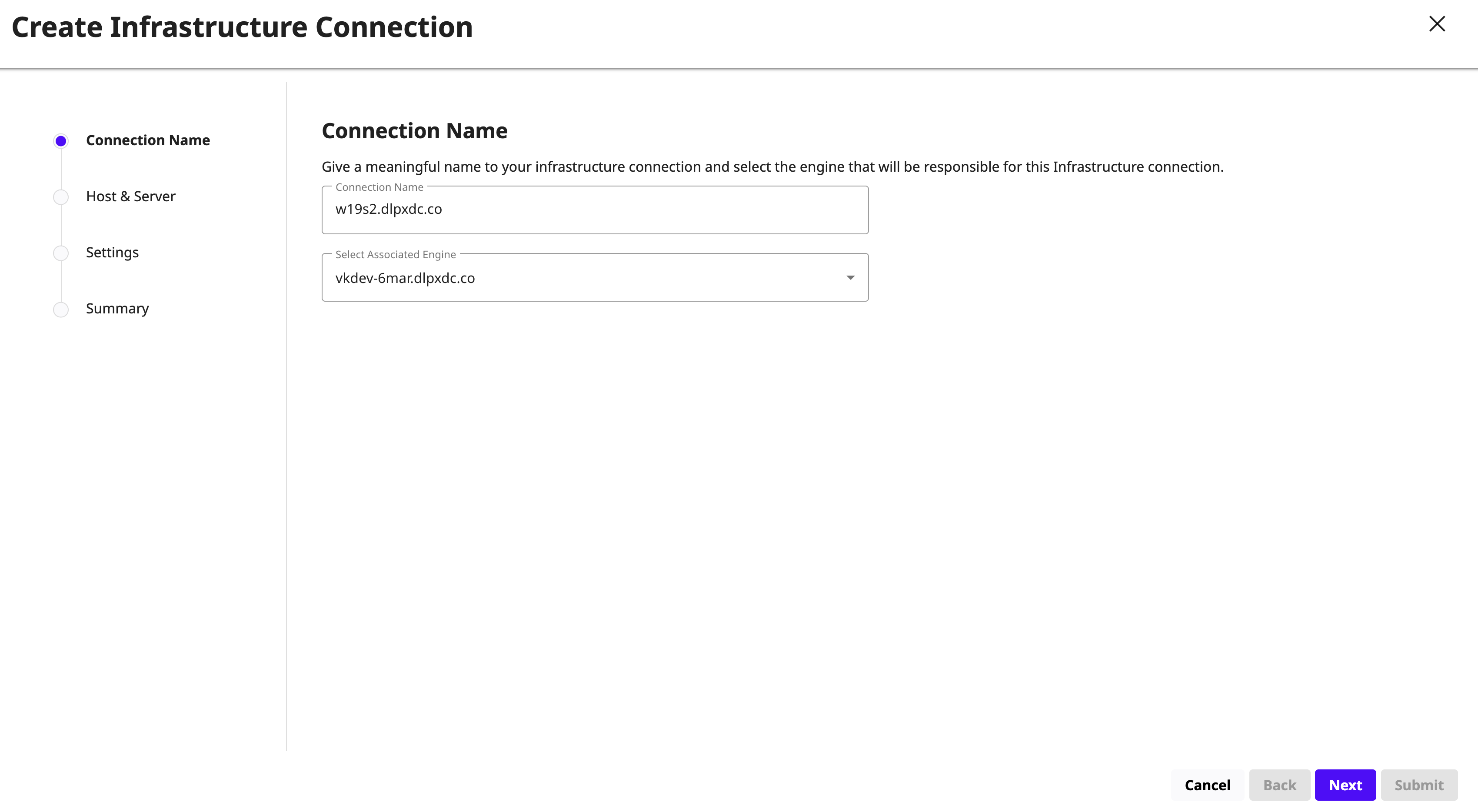
-
Click Next. On the Host and Server tab, select the following:
-
Host OS: Windows
-
Host Type: Target
-
Server Type: Cluster
-
-
Click Next. On the Settings page:
-
Enter the cluster address of the Windows Failover Cluster.
-
Select a host that is not a node in the cluster as the Connector Environment.
-
Enter the OS Username and OS Password for the target environment.
-
Click Validate Credentials.
-
-
Click Next. Review the Windows target cluster environment details and click Submit. DCT discovers the Windows target cluster environment on the associated engine.