
Virtual databases (VDB) are a key data management concept for Delphix. To create or provision a virtual database, you will need either a linked dSource from a source host or another VDB and a compatible target environment, as described in the Requirements for SQL Server environments and SQL Server Matrix.
To provision a VDB in DCT:
-
Log in to DCT.
-
Navigate to Data > Data Management > VDB and select Provision VDB. For more information, refer to Provisioning a SQL Server VDB.
-
Select a SQL Server dSource or an existing VDB from the available list, then select Next.
-
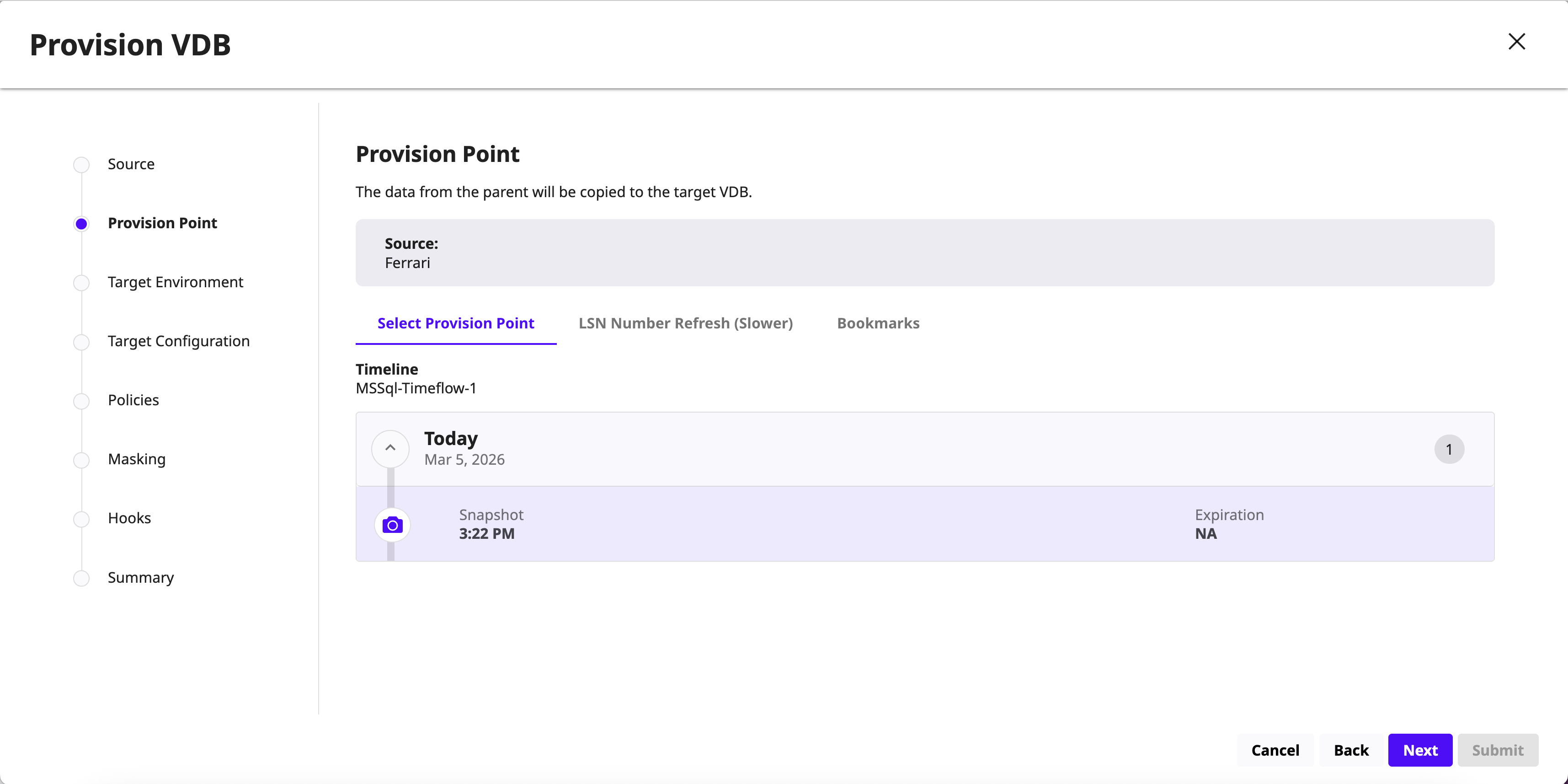
On the Provision Point page, select one of the following options:
-
Select Provision Point: Select a provision point displayed on this page.
-
LSN Number Refresh (Slower): Enter the SQL Server Log scan (LSN) number range.
-
Bookmarks: Choose the bookmark from the list.
-
Select target environment and repository and click Next.
-
On the Target Configuration page, choose the database recovery model and database name. Optionally, configure VDB parameters and other advanced settings and click Next.
-
On the Policies page, select the default DCT Snapshot and DCT Retention policies and click Next.
-
(Optional) On the Masking page, select the Mask this VDB and click Next.
-
(Optional) On the Hooks page, configure provisioning hooks and click Next. For more information, refer to Hook operations list and SQL Server hook operations.
-
Review the VDB summary details and click Submit.
Once the database is provisioned, click on the Actions menu to perform the following operations:
-
Refresh/ Undo Refresh
-
Create Bookmark
-
Create Snapshot
-
Disable/Enable
-
Stop/Start
-
Lock/Unlock
-
Rename
-
Migrate
-
Delete
-
Virtual to Physical