Overview
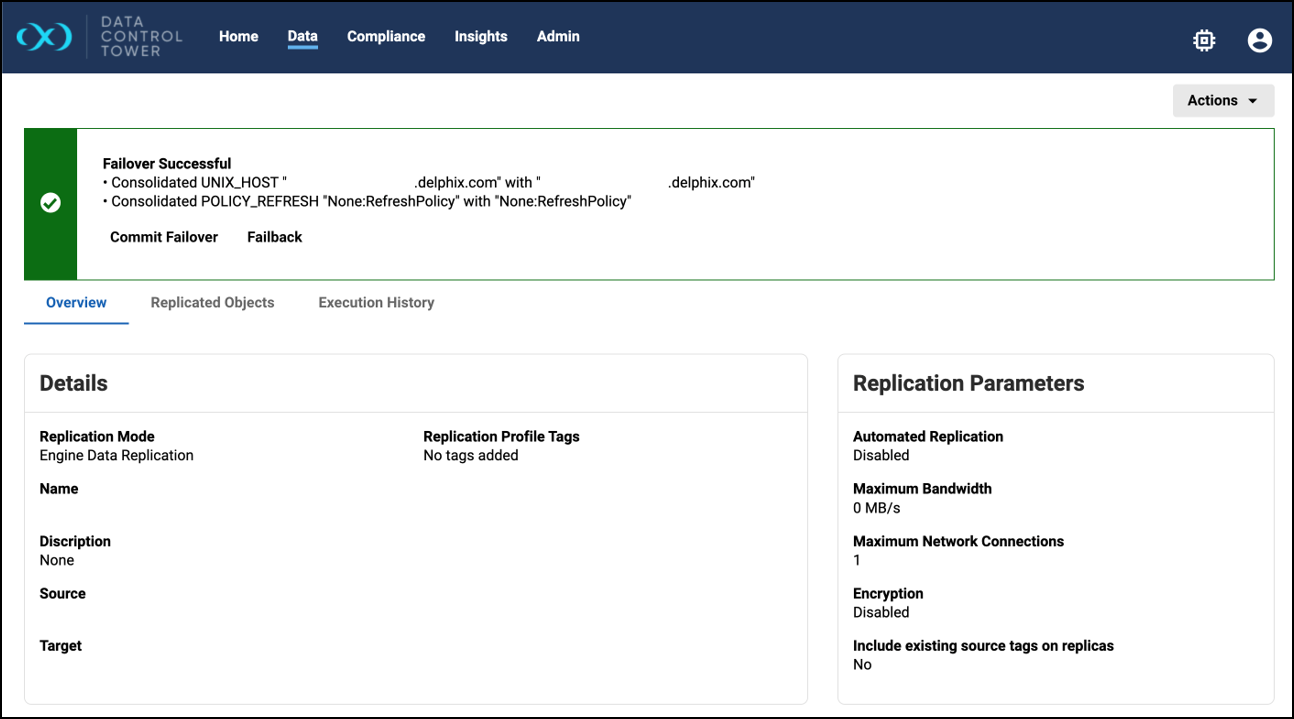
DCT 20.0.0 introduces new replication insights, such as the replication policy list of an engine and a detailed view of a replica, in addition to failback support.
A source and target engine connected to DCT with one or more replication profiles.
-
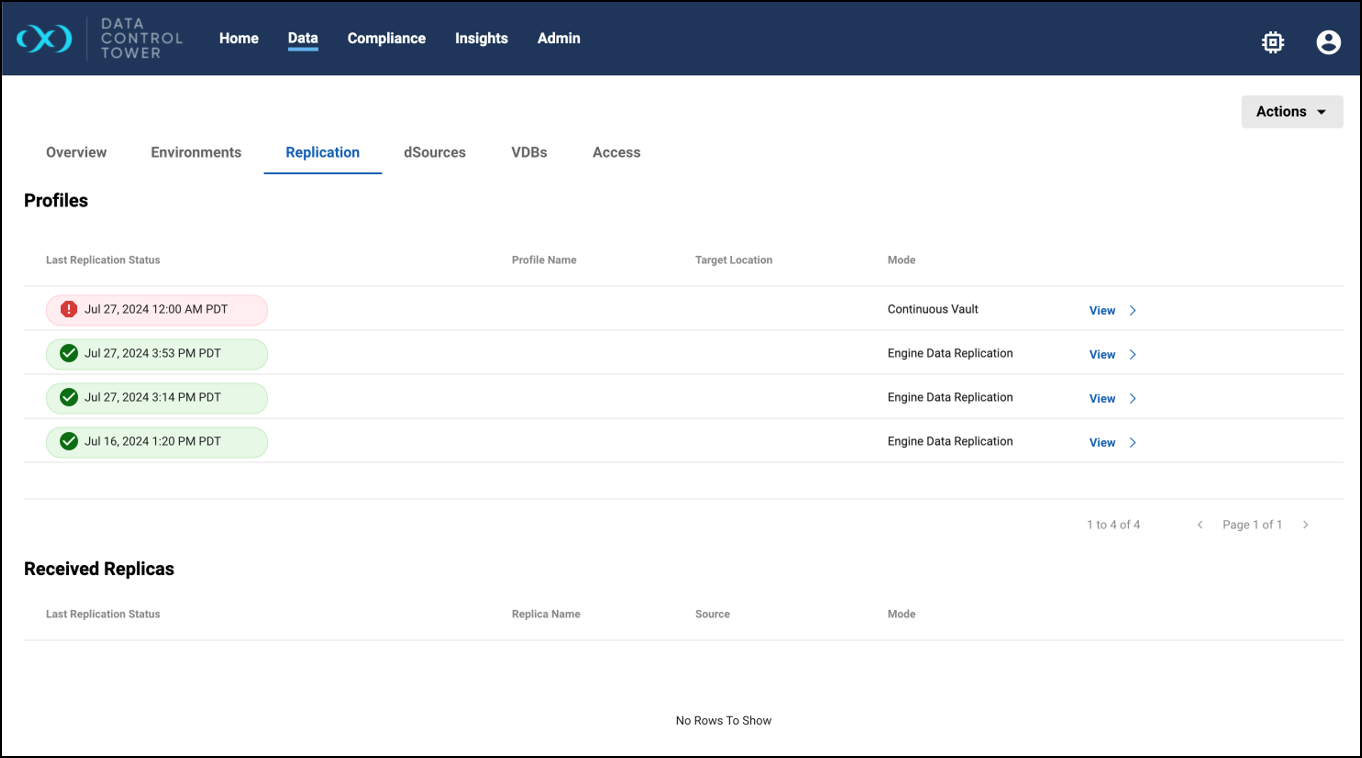
Replication policy list of an engine
This feature allows users to view the list of replication policies associated with a particular engine, and is available by navigating to Data > Data Engines > Engine Details View > Replication tab.
-
Replica detail view
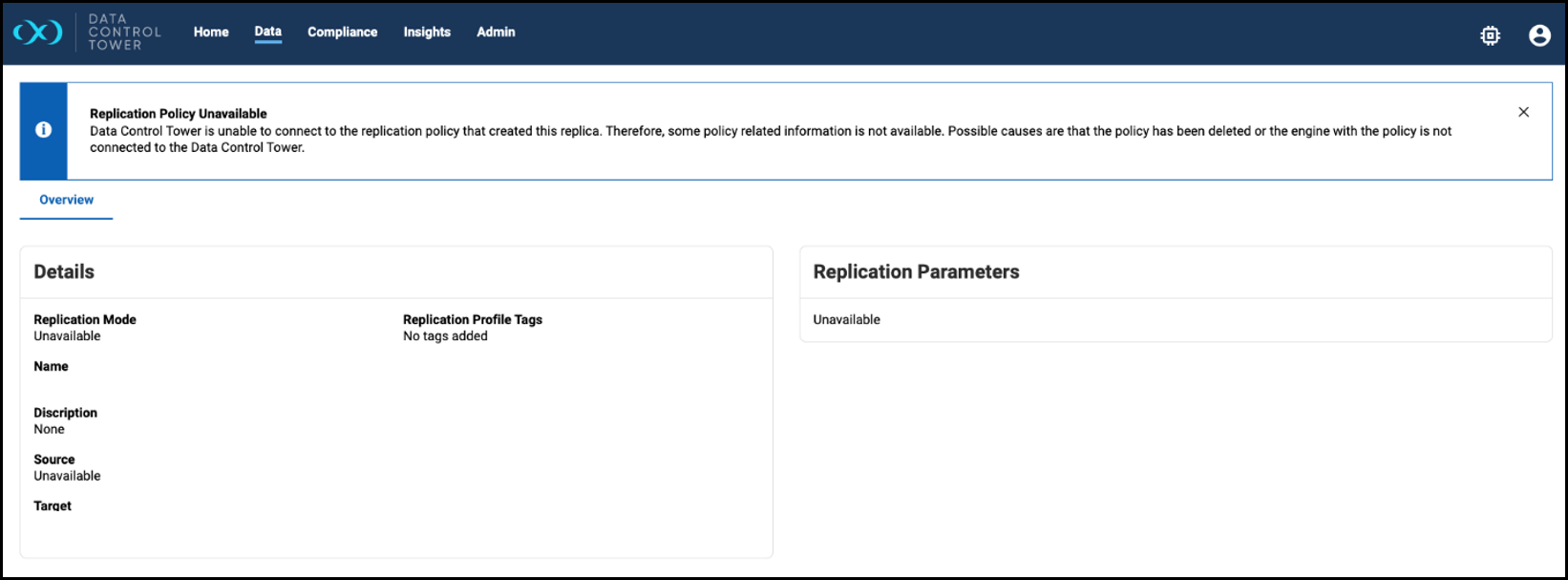
This feature allows users to see detailed information about a received replica. Use the View button available for each replica in the received replica list under Data > Data Engines > Engine Details View > Replication tab.-
In the Overview tab, details of the replica and its corresponding replication policy’s details are displayed. If the replication policy is not available on DCT, a banner is shown to indicate.
-
-
Failback support
This is a new checkbox option for creating a failback replica during failover that can be launched from the Failover window at Data > Replication > Replication Policy or Replica Details View > Actions > Start Failover.