
Action required: The Continuous Data UI, API, and CLI are scheduled for end of life. Review the latest migration guidance and start planning your transition to Data Control Tower.
On new engine installations of 2026.5.0.0 and later, the Admin UI opens directly to the Performance Dashboard, and the Manage, Resources, and System menus are unavailable. Engines upgraded from an earlier version keep full Admin UI access. This restriction cannot be changed by customers; contact Delphix Support if you need it lifted temporarily.
Learn more about the Continuous Data end-of-life announcement.
Test-failover
Starting with 14.0.0.0, a test-failover can be performed to validate that the failover actually works when disaster strikes. The failover operation can be undone by doing a failback operation.
The failback operation returns objects on the replication target to a read-only replica namespace so that incremental replication updates can be received. It does not restore replicated snapshots deleted during a test-failover or while failover remains uncommitted.
During failover, there is an option to save the state so that a failback can be performed. This is the enableFailback option and it is turned on by default.
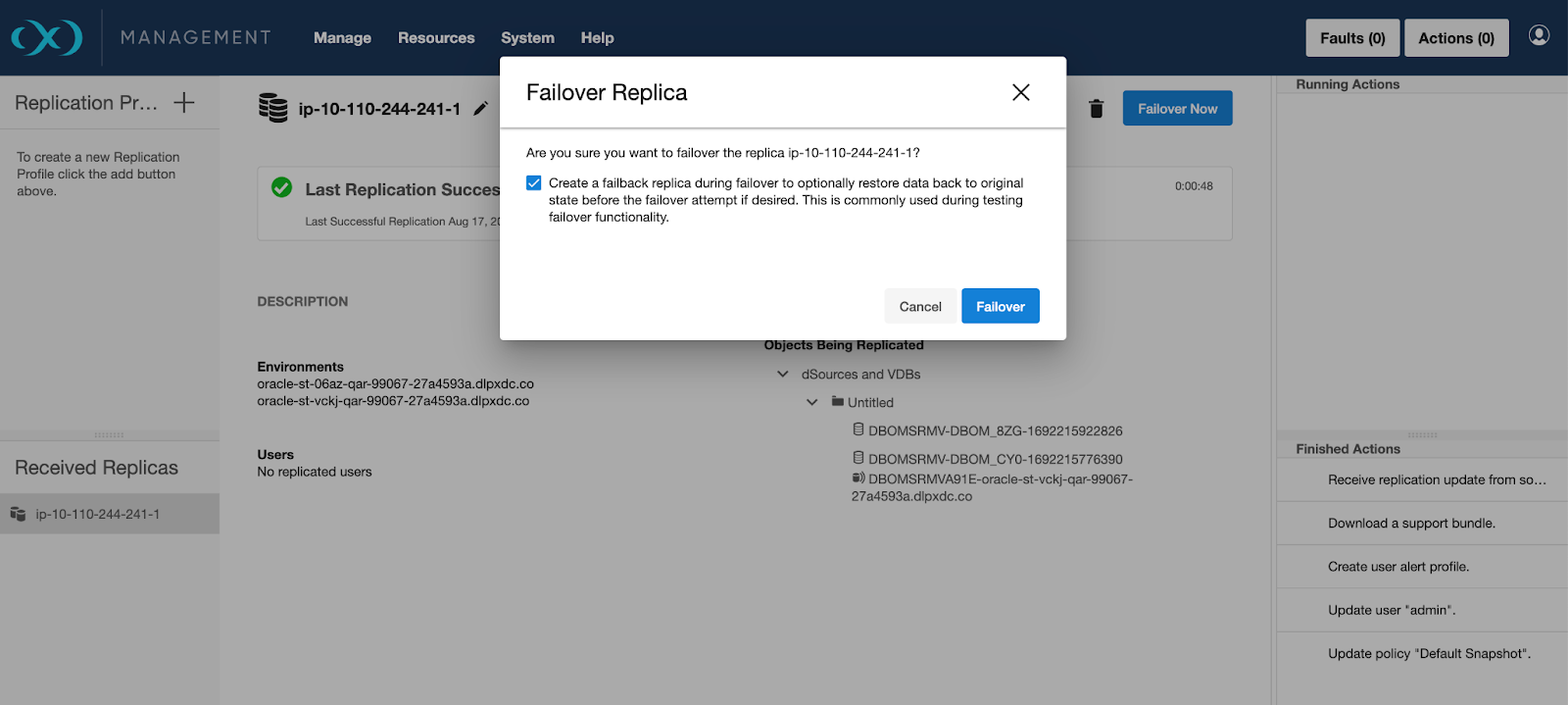
Once failover is complete, environments and datasets may be enabled and activated as mentioned in Controlled failover.
A test-failover does not place restrictions on the kinds of operations that may be performed on the failed over data. Environments and datasets may be enabled and used. New snapshots may be created. New VDBs may be provisioned from the failed-over datasets.
Failback
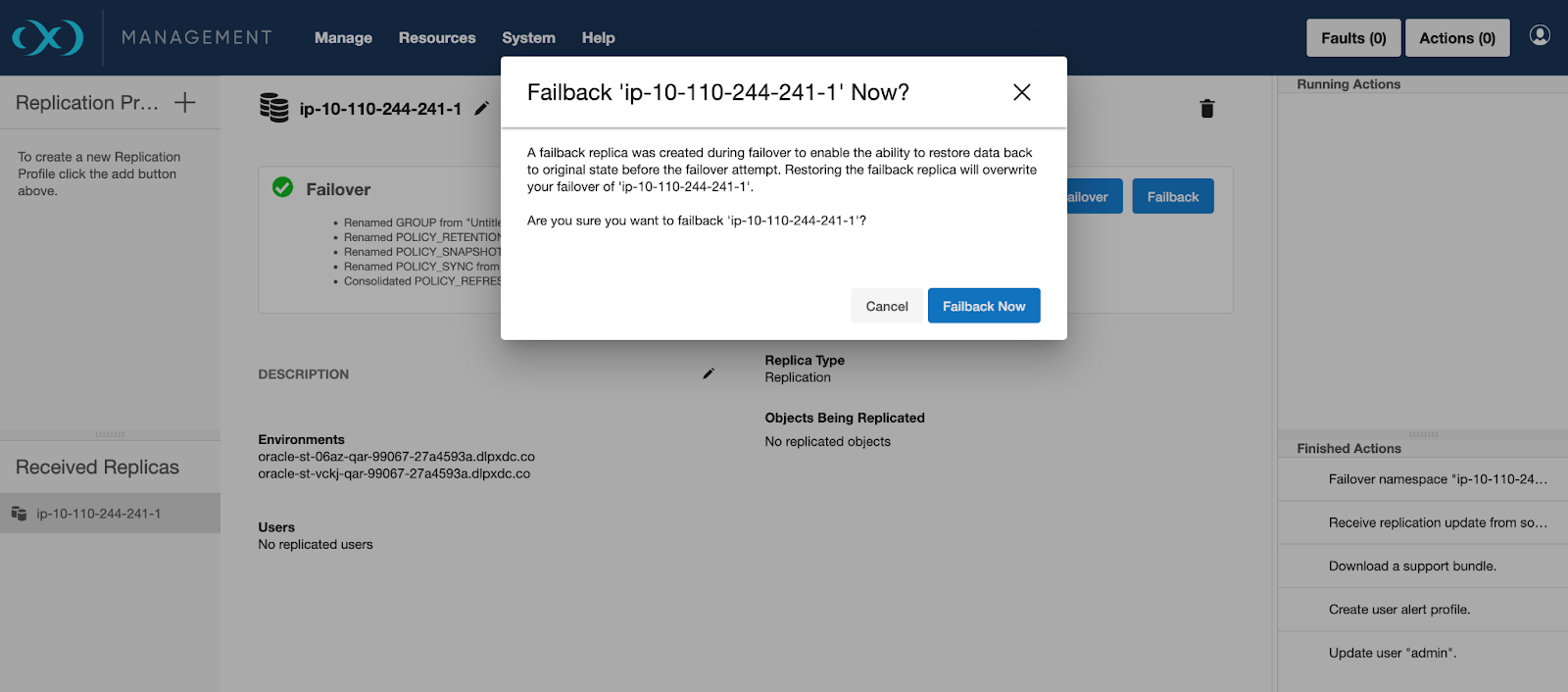
On failback, all newly provisioned child datasets will be destroyed. In addition, all new snapshots and refreshed time-flows will be deleted. Failback moves the objects back into a read-only replica namespace so that the replication-source engine can continue replicating to that namespace. It does not reinstate replicated snapshots deleted while the failover remains uncommitted.
Failback can undo the failover operation because during failback, no changes are made to the replication-source engine, and no changes from the replication target are propagated back to the replication source.
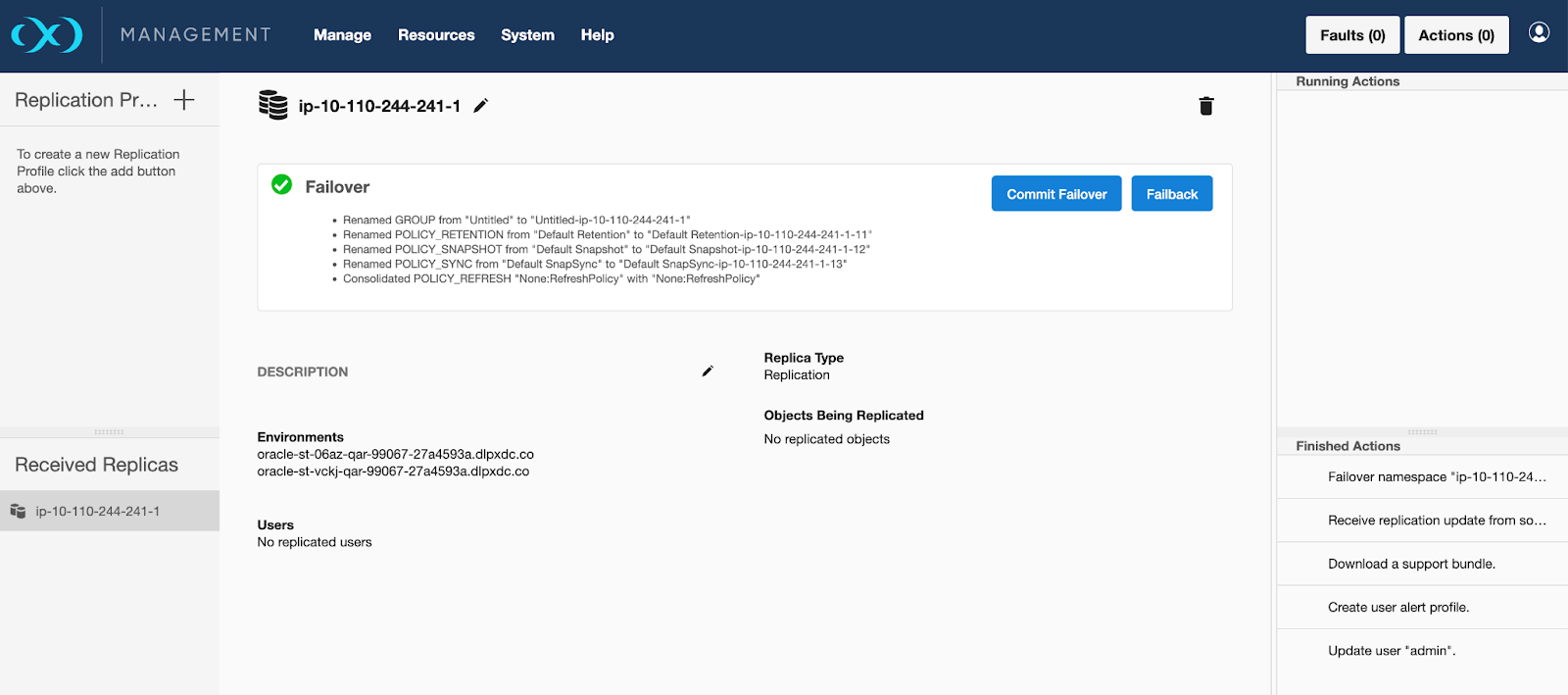
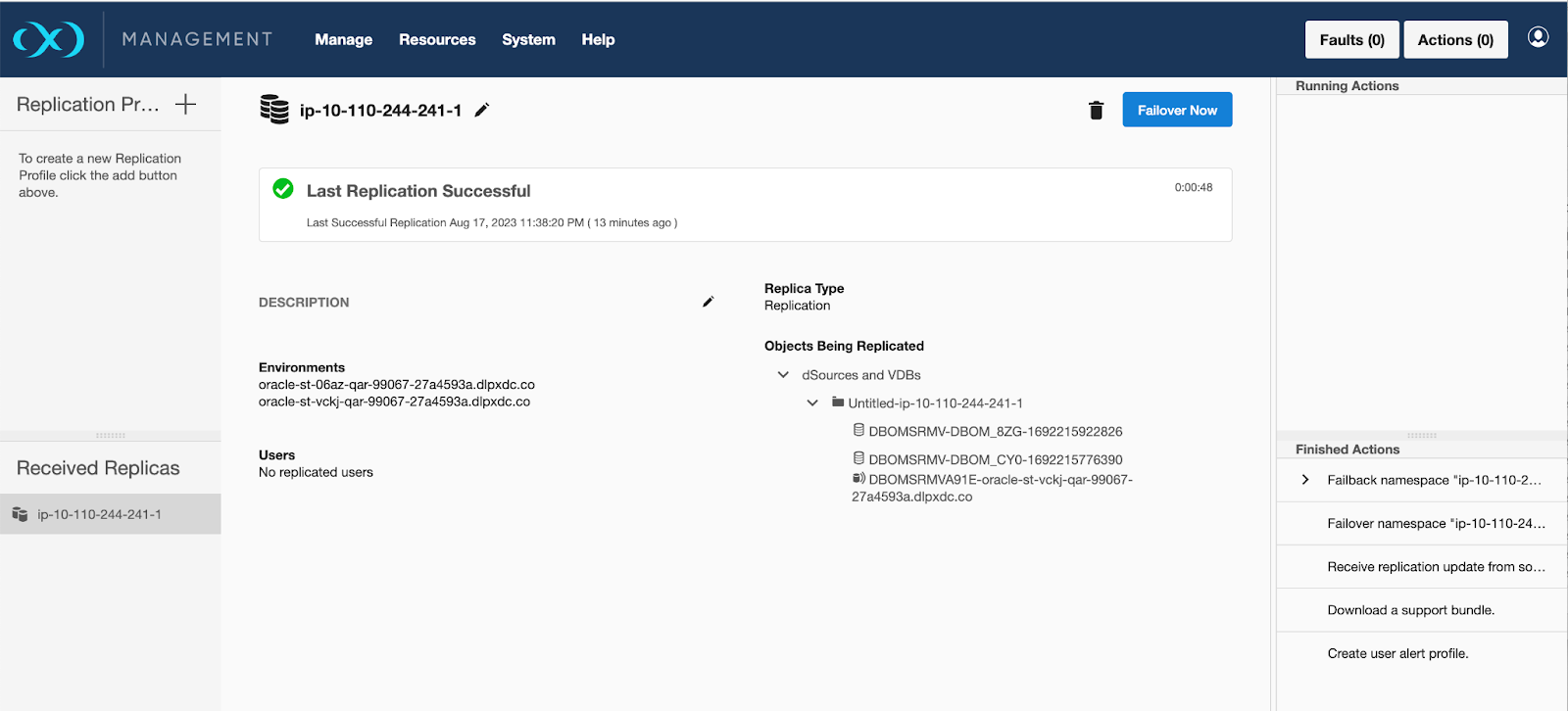
After failback, it is a best practice to send a replication update from the source and confirm that the target receives it successfully.
If you still need replicated snapshots deleted during the test-failover or while the failover remains uncommitted, and those snapshots still exist on the replication source, send a new replication update from the source after failback. Failback alone does not restore them. After the update completes, confirm that the required snapshots are available on the target before using them.
The following failback procedure requires full Continuous Data management UI access. Engines upgraded from an earlier release retain this access. The procedure is not directly available on new installations of 2026.5.0.0 and later, where the System and Replication menus are unavailable.
If the replication target has this installation restriction, contact Delphix Support to request temporary management UI access for failback. Customers cannot lift the restriction themselves. If Support enables the required menus temporarily, use the procedure below. These steps describe the engine UI, not DCT failback controls.
-
On the replication target engine, open System > Replication.
-
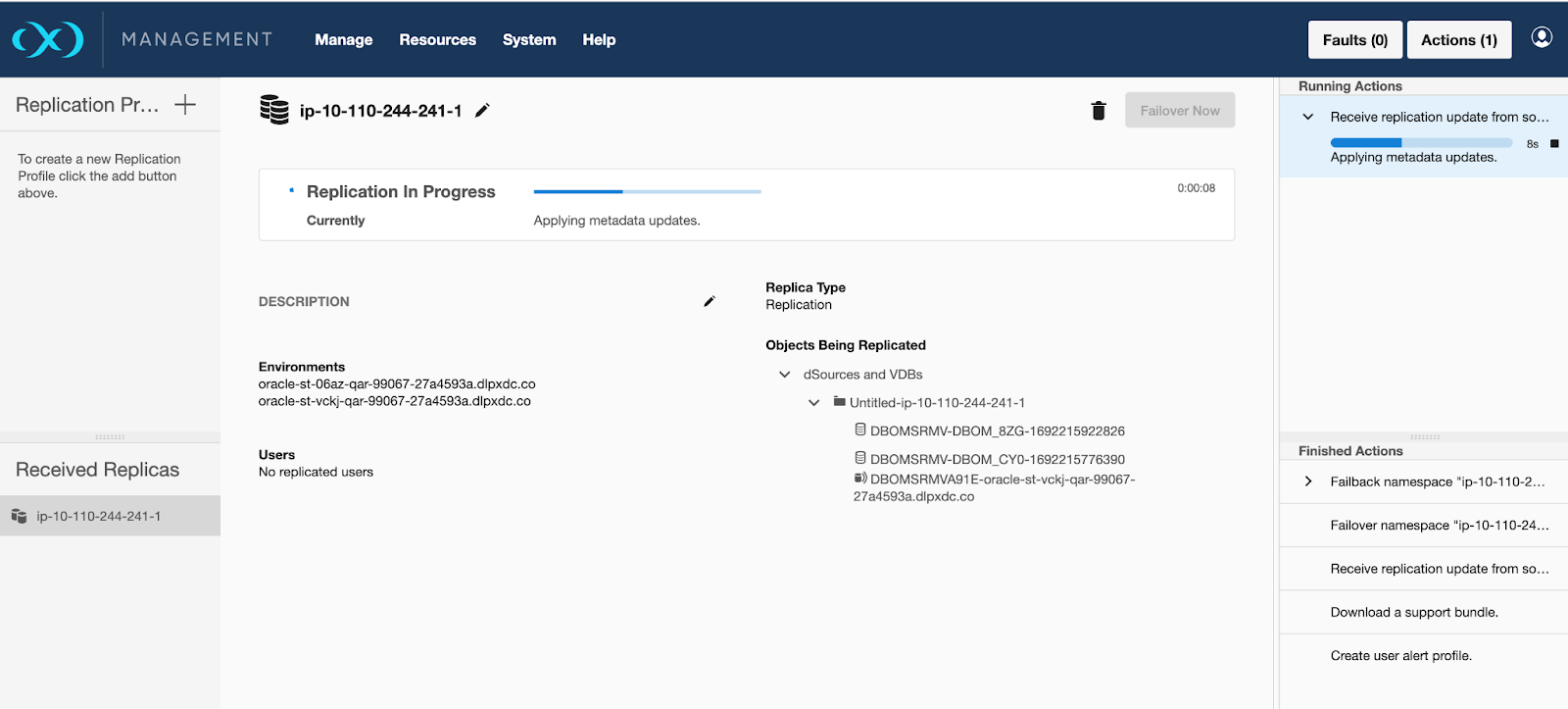
Under Received Replicas, click the failed-over replica.
-
Click Failback.
-
Review the effects on your data described above before clicking Failback Now in the confirmation dialog.
-
Wait for failback to complete successfully before sending the next replication update from the source.
For management UI availability, see Replication UI.
Commit failover
If a failback is unnecessary, the test failover can be committed, making the failover permanent. This is similar to performing a failover with the enableFailback option off.