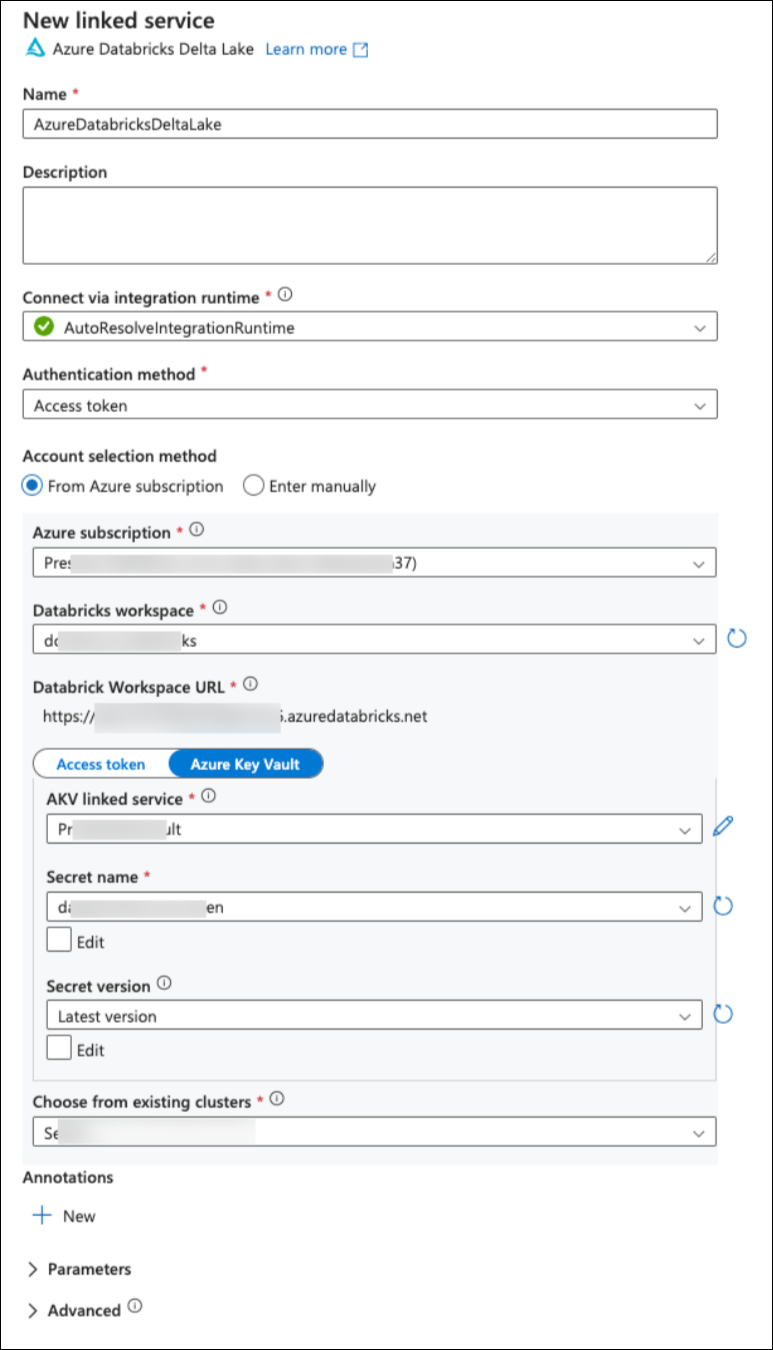
Create a new linked service for Databricks, select it and click Continue.
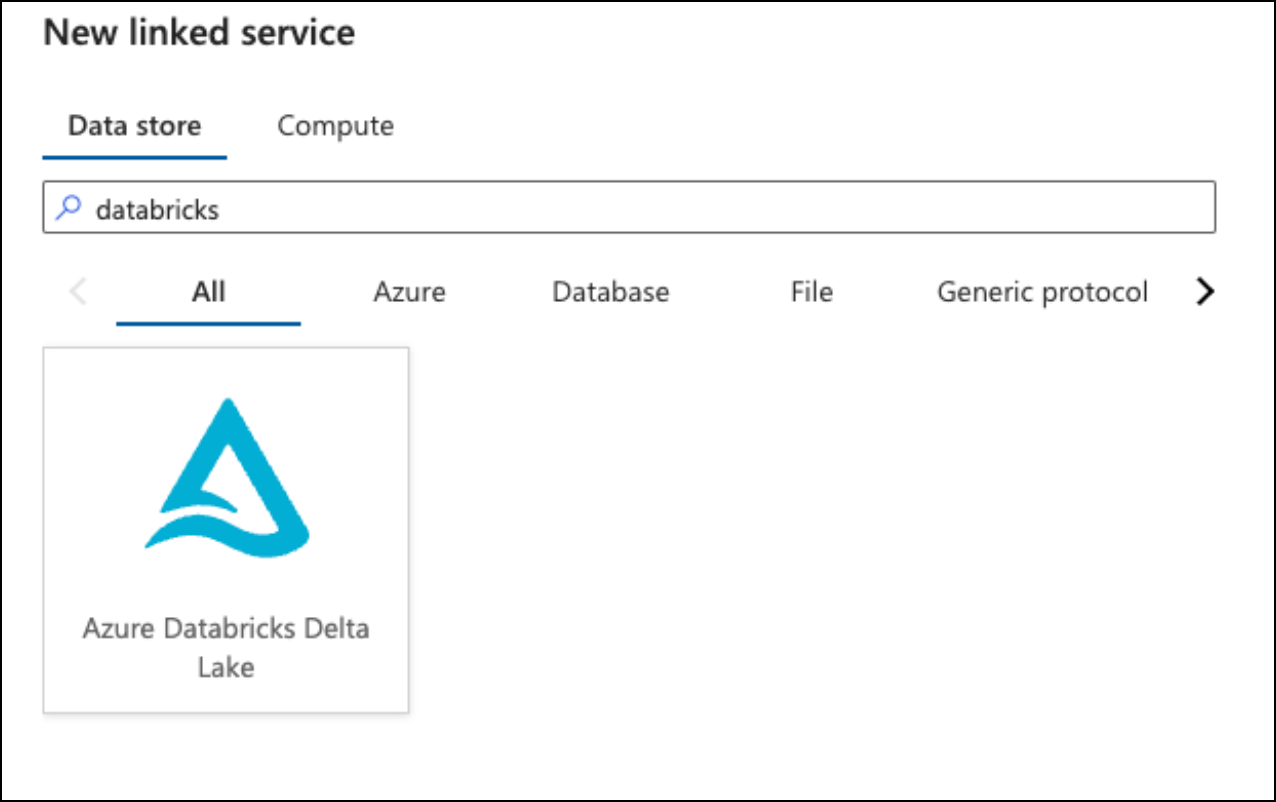
Fill in the required details for the Databricks linked service:
-
Name: A name to identify the linked service and an optional description
-
Connect via integration runtime: Integration Runtime to use with databricks
-
Authentication Type: Access Token (or any other authentication as per your environment standards). Follow this official Databricks to generate access token.
-
Account Selection Method: Azure subscription, select your azure subscription and the corresponding Databricks account name.
-
Provide the Access token directly in linked service or via Azure Key Vault.
-
Choose from existing clusters: Databricks compute cluster to use with pipeline request.
Databricks linked service is primarily used to read metadata of Databricks tables including delta storage location for actual processing.